Can't sign in
Updated September 2026
Locked out? Work through the sections below in order. Most sign-in problems come down to a forgotten password, an unverified email, or signing in a different way than the account was created.
Reset your password
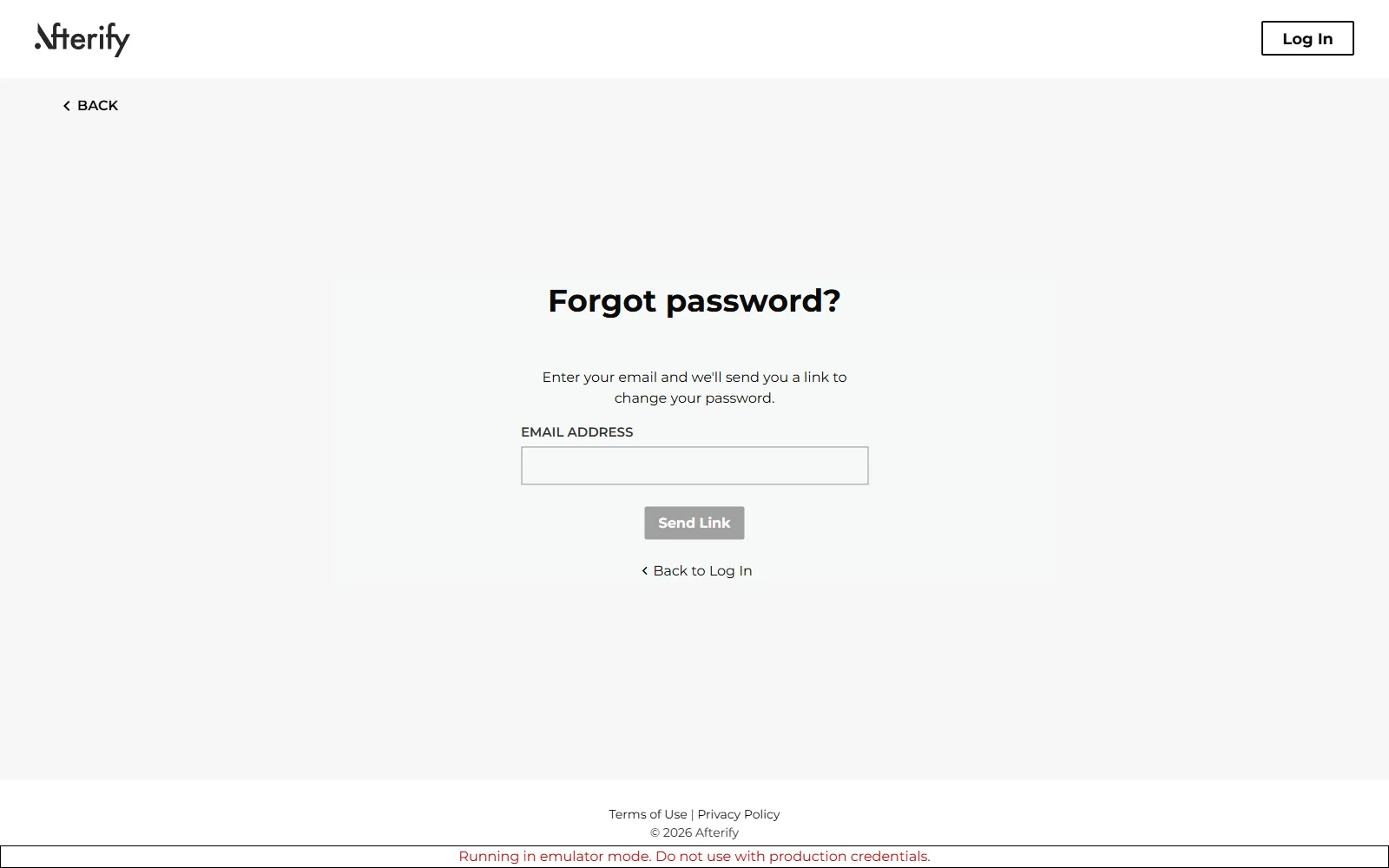
- On the login page, click Can't log in? under the Log In button.
- Enter your email address and click Send Link. You'll see "Reset email sent!".
- Open the email and follow the link to choose a new password, then log in again.
If the email doesn't arrive within a few minutes, check your spam folder and confirm you typed the address your account was created with. The form validates the address format, so "Please enter a valid email address" means a typo, not a missing account.
You signed up with Google, Apple or Facebook
Accounts created with a social login don't have an Afterify password, so a password reset won't help. On the login page, use the matching Continue with Google, Continue with Apple or Continue with Facebook button instead. If you're not sure which one you used, try the provider attached to the email address you gave us.
Verify your email address
Some features, including enabling two-factor authentication, require a verified email. If you were sent a verification email, open its link; you'll see "Email Verified" when it completes. "Cannot verify the email address" means the link has expired or was already used; request a fresh one from your profile settings. See Manage your profile.
Two-factor authentication problems
With two-factor enabled, logging in asks for a 6-digit code sent by text message to your enrolled phone.
- The code is rejected. "The code you entered is invalid, please try again" usually means the code expired or a digit was mistyped. Codes are single-use; request a new login attempt and enter the newest code.
- No text arrives. Confirm your phone has signal and can receive SMS. Carrier delays of a minute or two happen; don't stack up repeated requests, or you'll have several stale codes in flight.
- You lost access to the phone. You can't complete login without the code, and two-factor can only be turned off from inside a signed-in session (the toggle in your profile settings). If the number is gone for good, contact support from the email address on the account so we can verify you and help restore access.
Signed into the wrong place or account
- Photographers sign in at
app.afterify.comwith their studio account. - Clients don't use the studio app at all; they log in on the gallery's own login page, with the email address their invite was sent to. If a client sees an empty account or "wrong gallery", they're almost always signed in with a different email than the one you invited. See Client can't access a gallery.
If you have multiple Google accounts in your browser, make sure the social login picked the right one; signing in with a second email creates a second, empty account rather than opening your studio.
Related
Still stuck?
We're happy to help. Contact support and we'll get back to you as soon as we can.