Coupons
Updated September 2026
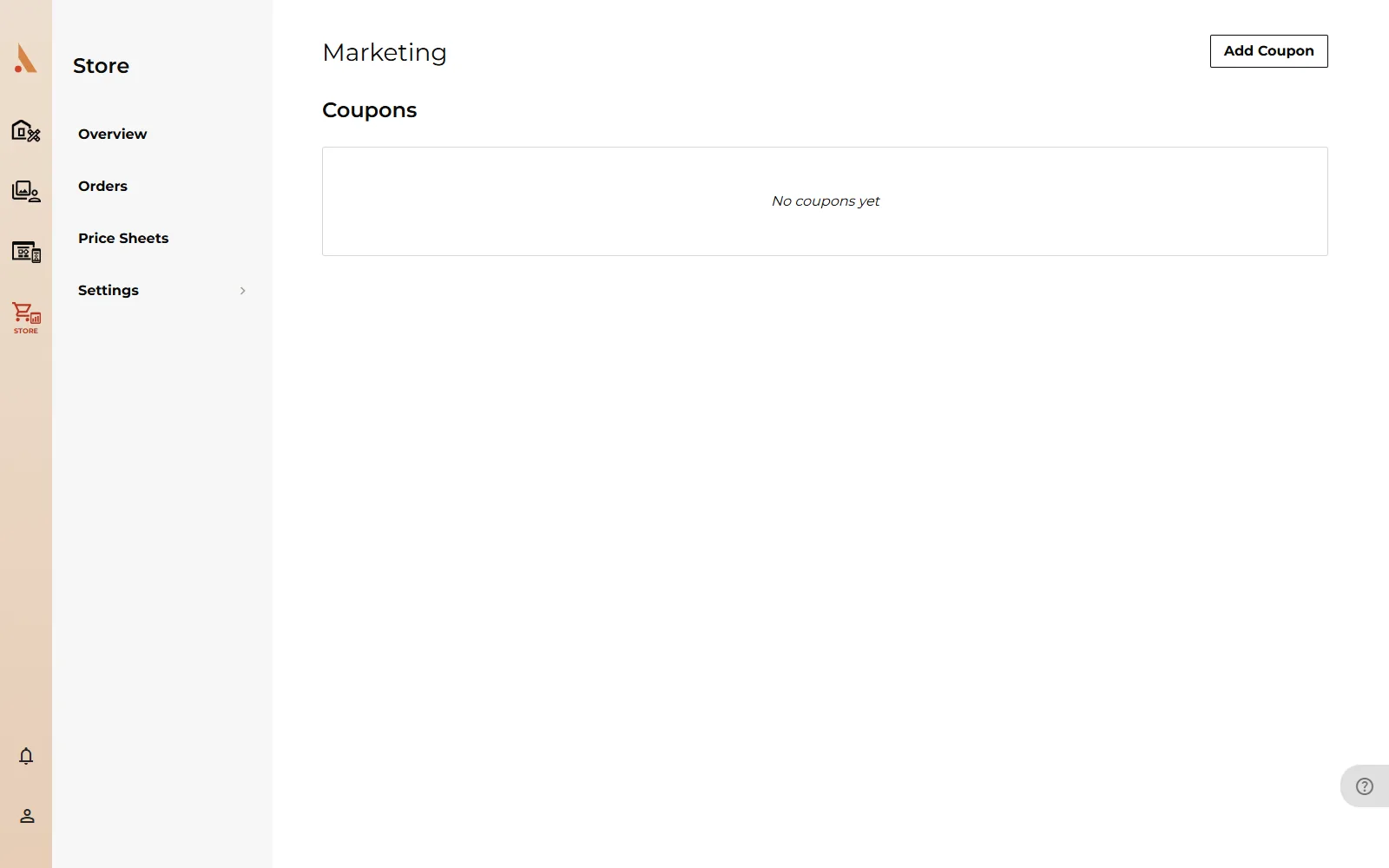
Coupons let you discount store purchases: run a sale across every gallery, or hand out a code to a single client. Coupons live on the Marketing page: open your store and go to app.afterify.com/store/marketing.
Create a coupon
- On the Marketing page, click Add Coupon.
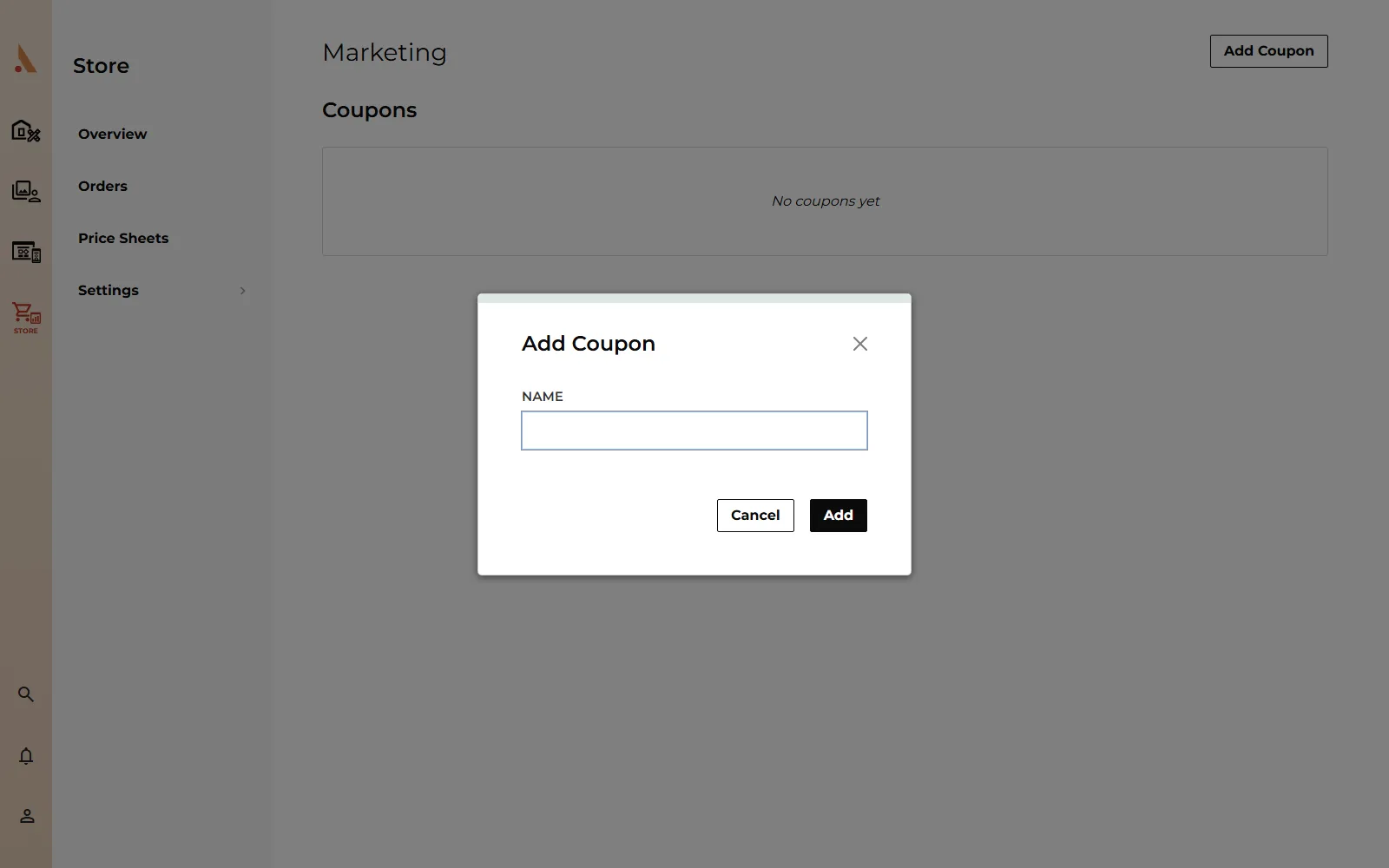
- Enter a Name (this is for your reference; it's not the code clients type) and click Add.
- The coupon opens so you can configure the details below.
New coupons start tomorrow and expire 30 days later by default. Adjust the dates before saving if you need a different window.
Discount type and amount
Under Coupon Details, set:
- Promotion Type: Amount Off (a flat dollar discount) or Percentage Off (a percentage of the order, capped at 100%).
- Discount: the amount or percentage to take off.
- Minimum Order Amount: the smallest order total the coupon applies to.
How the discount is triggered
The Discount Trigger setting controls how clients get the discount:
- Automatic: the discount applies by itself to qualifying orders. No code needed. Use this for storewide sales.
- Discount Code: clients must enter a code at checkout. Type your own Discount Code or click Random Code to generate one. Codes must be unique across your coupons; you'll see an error if the code is already in use.
With a code coupon you can also narrow what it Applied To: All Products, a Project Type, a Product Category, or a Product Type, and use Exclude Products to carve out exceptions.
Limits and expiry
- Starts / Expires: the coupon only works inside its date range. Tick Never Expires to leave it open-ended.
- One Discount Per Email: limit the coupon to a single use per client email address.
The coupons table shows each coupon's status at a glance: Live (active now), Pending (start date is in the future), Expired, or Archived.
Duplicate, archive and delete
Open a coupon with View to edit it, or use the duplicate option to copy an existing setup. Deleting a coupon that has never been used removes it permanently. If the coupon has already been redeemed, it's archived instead so your order history stays accurate.
Coupons discount the order subtotal, so on print orders your markup absorbs the discount. The lab's product cost doesn't change. Price with that in mind when running a large percentage sale.
Related
Still stuck?
We're happy to help. Contact support and we'll get back to you as soon as we can.